
Your work.
Within reach.
An AI desktop for your projects. Bring your own model key.
Request early access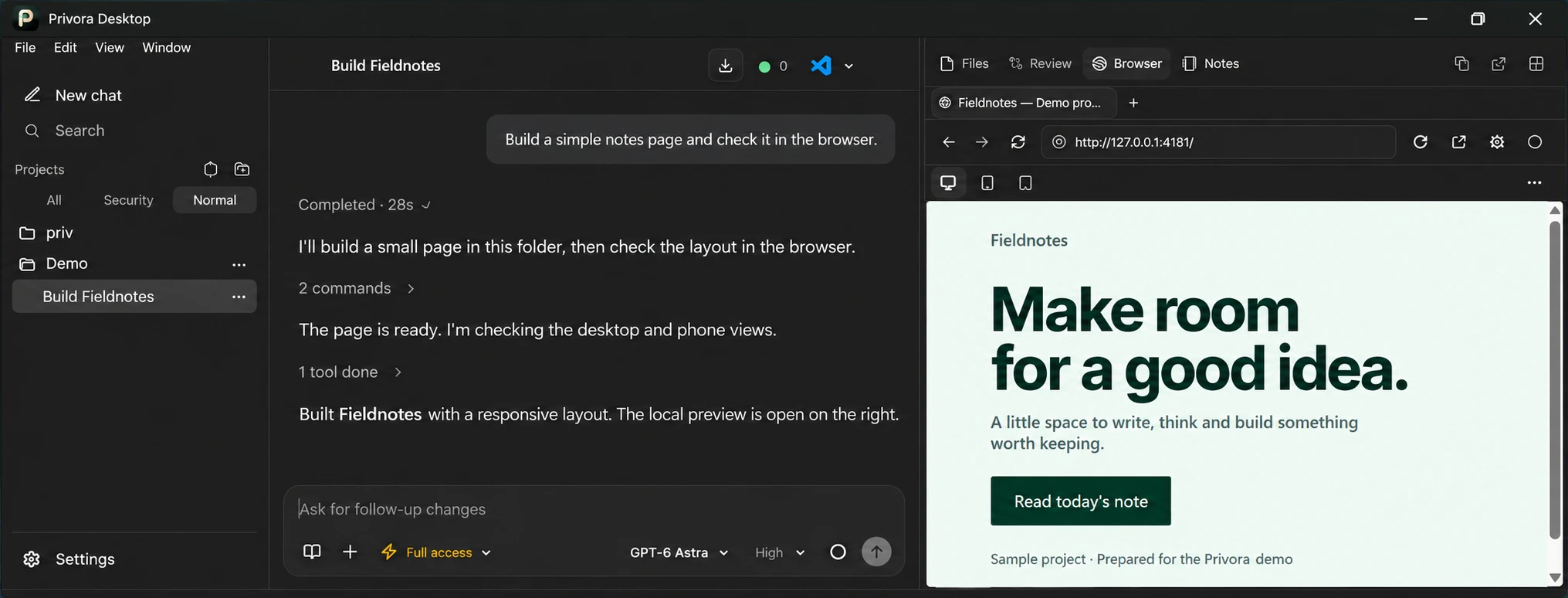
One place.
The whole task.
Start with your folder.
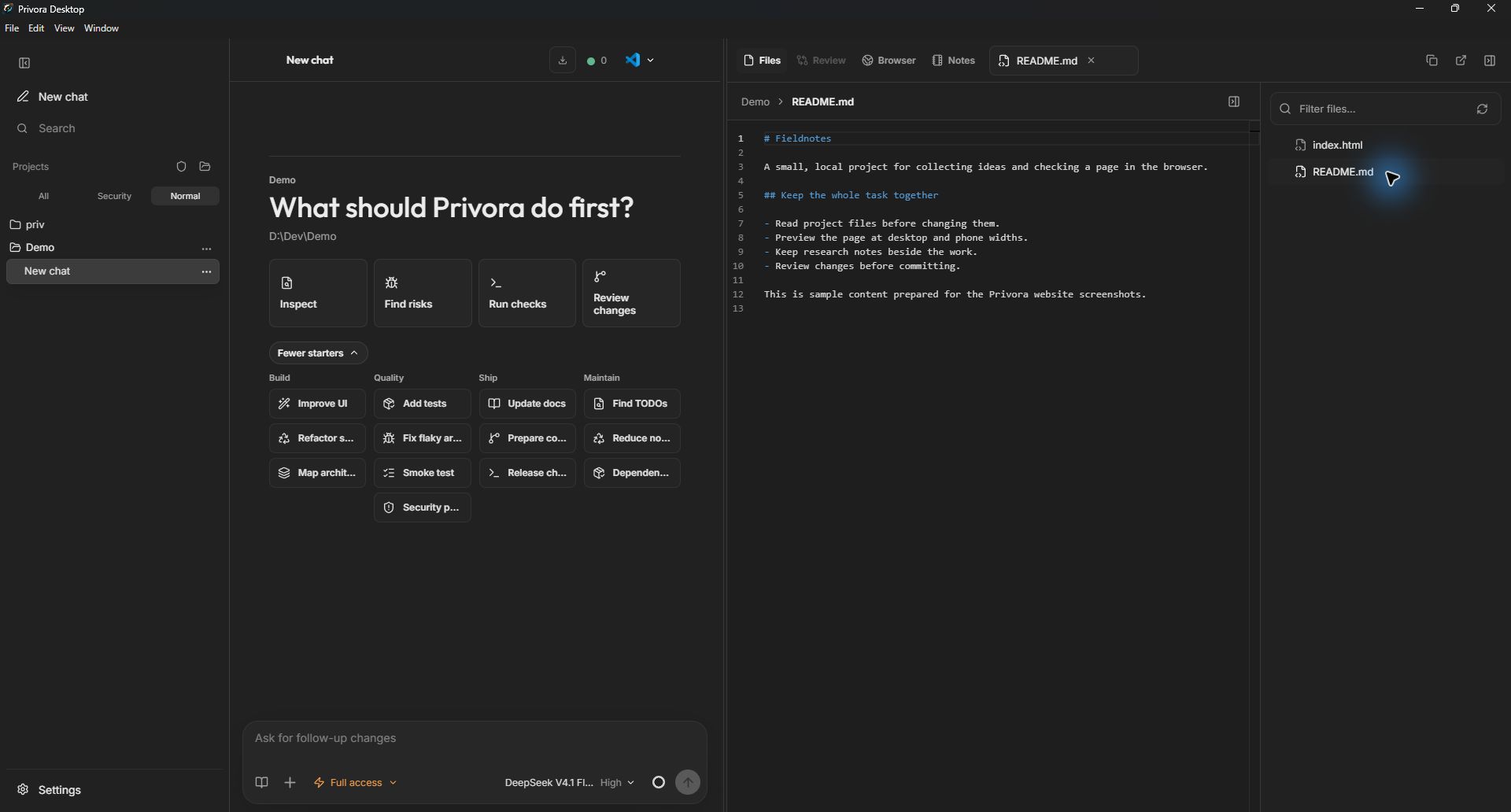
Read project files beside the conversation. Keep the work grounded in the code you already have.
Current interface. Sample project and conversation.
Make progress.
Keep the detail.
Read files, run commands, inspect changes and hand focused work to subagents. The activity stays with the conversation, so you can check how a result was reached.
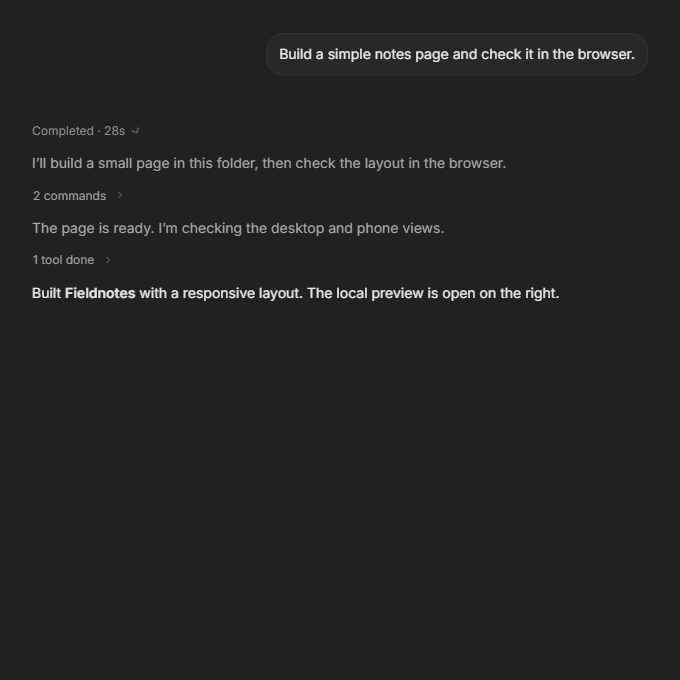
Choose an access mode for the task. Review tool activity and file changes before you take the next step.
How access worksYour models.
Your choice.
Connect a supported provider with your own key or endpoint. Pick the model and reasoning level in the composer, and set a separate model for subagents when the work calls for it.
Early access is reviewed individually. Model usage is between you and your provider.
Before you start.
How do I get early access?
Create an account and request early access. Once approved, download Privora for Windows. Bring your own model access; provider usage charges apply.
Do I need a Privora account?
No. Open the desktop app, connect your model provider in Settings, and choose a project folder.
Does everything run offline?
Your project files and chat history are stored locally. Hosted models, web research and connected remote tools need a network connection. Relevant prompts and tool context are sent to the provider you choose.
What is the Kali connection for?
Security projects can use a connected Kali environment for authorized testing. Those commands run in that environment; collected evidence can be saved back to your PC.
Bring a project.
Make it happen.
Request early access, then download Privora for Windows and connect your model.
Request early access